Microsoft Surface Repair
Screen, battery, charging or power problem on your Microsoft Surface? We diagnose the fault and tell you clearly, up front, whether a repair is possible and what it costs.
- Surface Pro · Surface Laptop · Surface Book · Surface Go
Service
About this service
Surface devices are thin and compact; on many models the screen is glued to the chassis. Disassembly therefore takes care and the right equipment: a rushed attempt can permanently damage the screen or the battery.
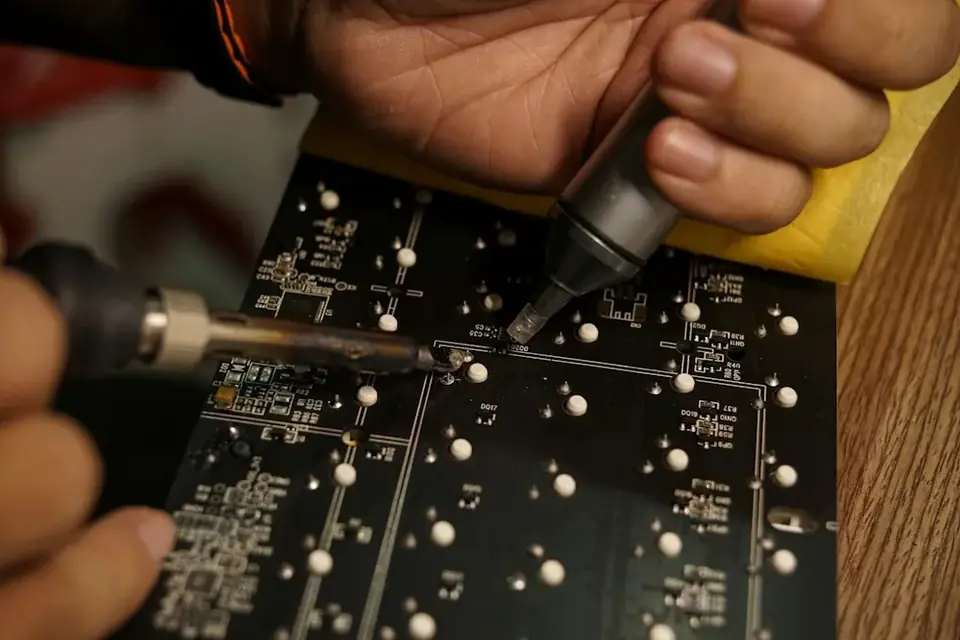
In our workshop we diagnose, replace parts and, when needed, repair at board level on Surface Pro, Surface Laptop, Surface Book and Surface Go. We first find the source of the problem, then explain which options are possible and what they cost.
When should you contact us?
- Cracked screen, touch not working or flickering picture
- Battery drains fast or has swollen (screen lifting from the case)
- Not charging through Surface Connect or USB-C
- Device won't turn on or gets stuck on the Surface logo
- Type Cover keyboard not recognised
- Overheating and loud fan noise
What we do
How it works
-
01
Tell us about the problem
Describe your device and the issue through the service request form, by phone, WhatsApp or Viber. A photo or a short video speeds up the first assessment.
-
02
We examine the device
You bring the device to our workshop in Tivat, or send it by courier. We find the cause based on measurements, tests and, when needed, opening the device — not on guesswork.
-
03
We explain your options
We tell you clearly what is faulty, which solutions are possible, the price and the time needed. Whether to go ahead is entirely your decision.
-
04
We repair and test
After your approval we carry out the repair and test the device before handing it back. We explain what we did when you collect it.
Good to know
- A swollen battery can crack the screen from the inside. If you see the screen lifting from the case, bring the device without charging it.
- On some models the storage is soldered to the board; data recovery options depend on the model. We tell you during the diagnosis.
- For repairs that need parts, we confirm part availability and timeline before the repair.
Frequently asked questions
Which Surface models do you work on?
Surface Pro, Surface Laptop, Surface Book and Surface Go. Send us your model and we can give a first assessment.
Are you a Microsoft authorised service?
No, we are an independent repair service. If your device is still under warranty, we recommend checking the manufacturer's warranty first.
Can a Surface screen be replaced?
Yes. Because the screen is glued, disassembly requires care; we replace it with the proper equipment.
Will I lose my data?
We don't touch the storage when replacing the screen or battery. Still, we recommend backing up important data.
How long does a repair take?
It depends on the fault and part availability; after the diagnosis we give you a clear timeline.
Related services
Laptop Repair
Laptop diagnostics and repair: screens, batteries, keyboards, charging ports, hinges and cases.
DetailsLenovo, HP, Dell & Asus Repair
Repair of Lenovo, HP, Dell, Asus and other brands' laptops and desktops.
Details AppleLogic Board & Chipset Repair
Component-level repair of logic board and chipset faults on devices that won't power on, won't charge or have liquid damage.
Details