TV & Monitor Ambient Lighting
Backlighting that changes colour with the picture on screen makes films and games more immersive and is easier on the eyes during long sessions.
- TVs · monitors · gaming and cinema corners
Service
About this service
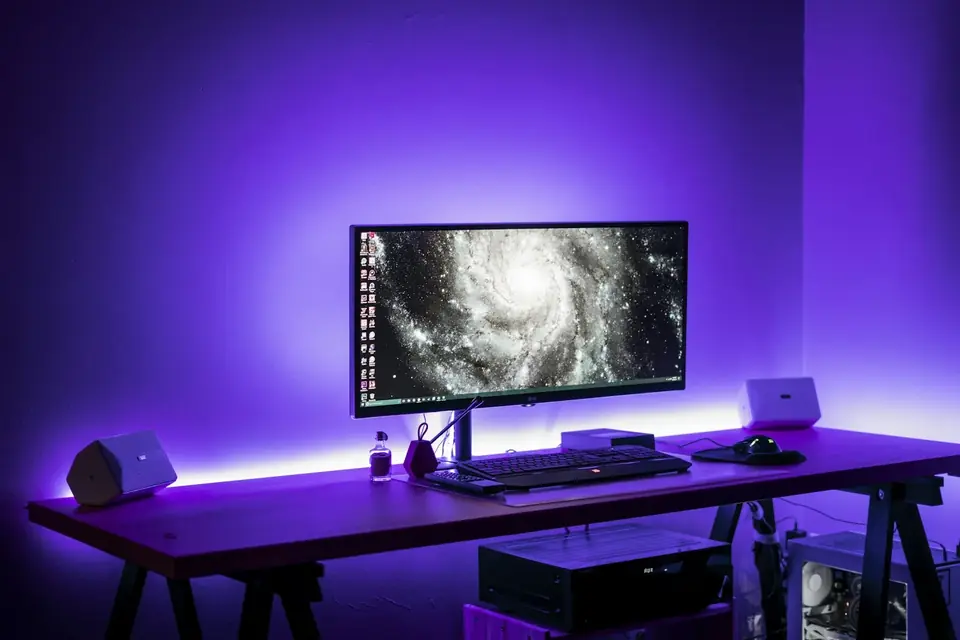
Ambient lighting means LEDs placed behind a TV or monitor that project the colours on screen onto the wall. It makes the screen look bigger and deeper, and by reducing the brightness difference between the screen and the wall in a dark room, it also eases eye strain.
We choose the right solution for your screen and the sources you use (TV box, games console, computer), mount the LEDs, connect the sync device and calibrate the colours. After installation we show you how to use it from the app.
When should you contact us?
- You want a more immersive experience for films and games
- Your eyes get tired looking at the screen in the dark
- You want to light the wall behind the screen stylishly
- Your current LED strip isn't in sync with the picture
What we do
How it works
-
01
We receive your request
Send the problem and your address through the service request form or by phone. If needed, we have a short call first.
-
02
We schedule the visit
We book an appointment on a day and time that suits you.
-
03
We solve it on site
We examine the problem on site and complete whatever can be done there.
-
04
Workshop if needed
If a part replacement or board-level repair is required, we take the device to the workshop with your approval and explain beforehand what will be done.
Good to know
- Some sync solutions work with HDMI sources; compatibility with the TV's built-in apps depends on the chosen solution. We explain this before installation.
- For computer monitors, computer-based solutions are usually more flexible.
Frequently asked questions
Can it be fitted to any TV?
It can be fitted to most TVs, depending on screen size and how it is mounted. We ask about your model and how you use it, and recommend the right solution.
Does it really sync with the picture?
Yes; the sync device analyses the picture and changes the LED colours in real time.
Can it be controlled from a phone?
Most solutions are controlled with a phone app; some also work with smart home systems.
Related services
Case Lighting & LCD Mods
ARGB lighting, controllers, cable management and in-case LCD screen mods.
DetailsGaming & Custom PC Builds
Gaming, streaming and rendering PCs built to your needs; repair, upgrades and cooling for existing systems.
DetailsOn-site Computer Service
We come to your home or office for computer and network problems.
Details