Liquid Damage Repair
Spilled water, coffee or another liquid on your device? Turn it off right away and don't charge it. We clean the board, remove corrosion and repair the damaged areas.
- MacBook · iMac · laptops
Service
About this service
Liquid damages a device by causing short circuits and corrosion on the board. Even if the device keeps working at first, corrosion spreads over time and can cause a failure days later. That is why the sooner it is dealt with, the better the chance of saving the device and your data.
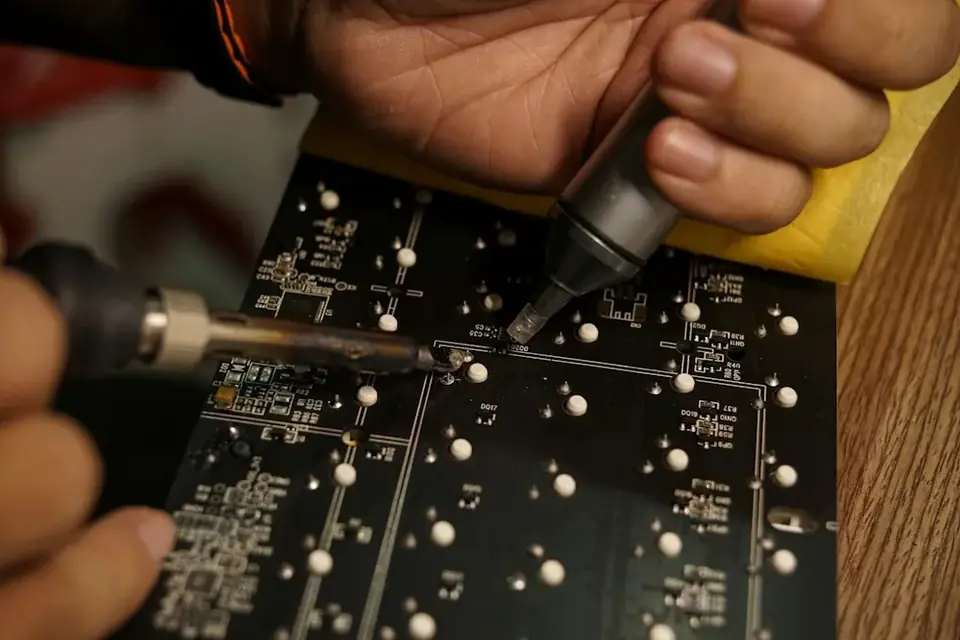
In our workshop we take the device apart, clean corrosion and liquid residue from the board, examine the affected areas under the microscope and repair damaged components and traces. We also check parts affected by the liquid, such as the keyboard, screen and battery, and let you know their condition.
When should you contact us?
- Water, coffee, tea or a soft drink was spilled on the device
- The device shut down or won't turn on after liquid contact
- Keyboard keys are sticky or don't work
- Stains or display problems have started on the screen
- The device works, but features such as charging or sound have failed
What we do
How it works
-
01
Tell us about the problem
Describe your device and the issue through the service request form, by phone, WhatsApp or Viber. A photo or a short video speeds up the first assessment.
-
02
We examine the device
You bring the device to our workshop in Tivat, or send it by courier. We find the cause based on measurements, tests and, when needed, opening the device — not on guesswork.
-
03
We explain your options
We tell you clearly what is faulty, which solutions are possible, the price and the time needed. Whether to go ahead is entirely your decision.
-
04
We repair and test
After your approval we carry out the repair and test the device before handing it back. We explain what we did when you collect it.
Good to know
- After liquid contact, don't try to turn on, charge or dry the device with a hair dryer.
- Putting it in rice doesn't clean the residue from the board; corrosion keeps spreading.
- Parts exposed to liquid (especially the keyboard and screen) may fail over time; we assess this openly before the repair.
- Not all liquid damage can be repaired; we give you clear information after the examination.
Frequently asked questions
I spilled liquid on my device — what should I do first?
Turn it off immediately, unplug the charger, turn it upside down so the liquid can drain and bring it as soon as possible without trying to switch it on.
Does putting it in rice help?
No. Rice may absorb some of the liquid, but it doesn't clean the residue and corrosion on the board.
My device still works — should I bring it anyway?
Yes. Corrosion spreads over time; a device that works today may fail days later.
Can you save my data?
Our priority is protecting your data. If the board can be repaired, the data usually stays where it is.
Related services
Logic Board & Chipset Repair
Component-level repair of logic board and chipset faults on devices that won't power on, won't charge or have liquid damage.
DetailsMicrosoldering
Soldering and repair of connectors, ports, pads and tiny components under the microscope.
DetailsData Recovery
Recovering lost or deleted files from hard drives, SSDs and memory cards.
Details