All-in-One Computer Repair
Diagnosis and repair of power, display, slowness and overheating problems on All-in-One (AIO) computers, where the screen and computer share one case.
- HP · Lenovo · Dell · Asus and other All-in-One models
Service
About this service
In All-in-One computers the screen, motherboard, power unit and cooling all sit inside the same slim case. This saves space but makes repairs harder: reaching the parts often means carefully removing the screen.
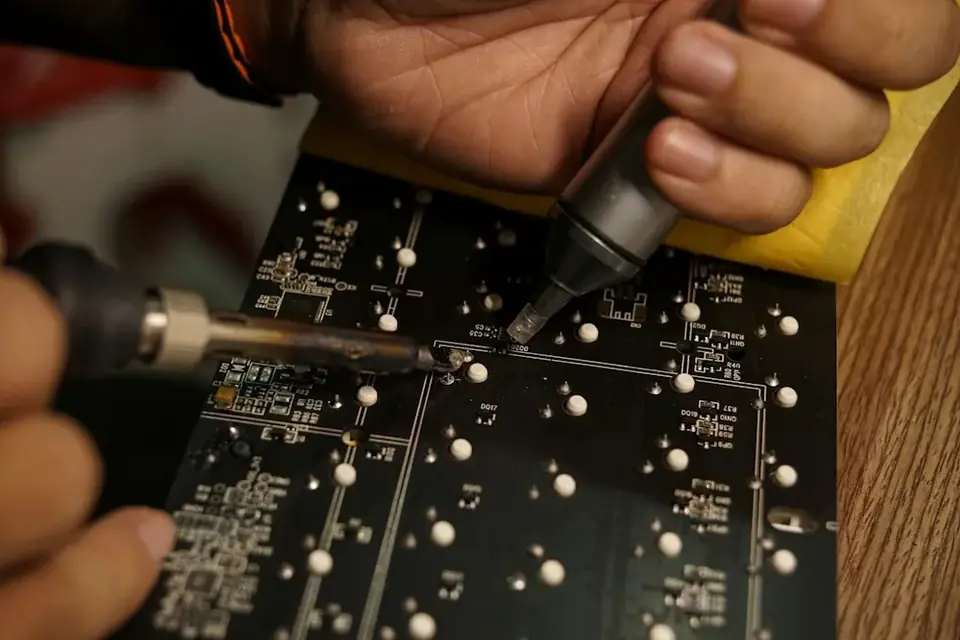
In our workshop we diagnose and repair faults such as no power, display problems, slowness and overheating on AIO computers. By replacing the old mechanical drive with an SSD, we also solve the most common cause of slowness on these models.
When should you contact us?
- Computer won't turn on or the power light blinks
- No picture, lines or flickering on the screen
- Start-up and programs are very slow
- Loud fan noise and the case gets very hot
- Touchscreen doesn't respond
- Speaker, camera or Wi-Fi not working
What we do
How it works
-
01
Tell us about the problem
Describe your device and the issue through the service request form, by phone, WhatsApp or Viber. A photo or a short video speeds up the first assessment.
-
02
We examine the device
You bring the device to our workshop in Tivat, or send it by courier. We find the cause based on measurements, tests and, when needed, opening the device — not on guesswork.
-
03
We explain your options
We tell you clearly what is faulty, which solutions are possible, the price and the time needed. Whether to go ahead is entirely your decision.
-
04
We repair and test
After your approval we carry out the repair and test the device before handing it back. We explain what we did when you collect it.
Good to know
- On AIO models the screen is removed to reach the parts; we do this carefully with the proper equipment.
- When upgrading to an SSD, we can move your existing system and data to the new drive.
- Part availability is limited for some models; when a part is needed, we tell you the timeline in advance.
Frequently asked questions
Do you also repair iMacs?
Yes. For details on iMac repairs, see our MacBook & iMac Repair page.
My AIO computer is very slow — what can be done?
On these models the most common cause is an old mechanical drive. Switching to an SSD usually makes a clear difference.
Can an AIO with a broken screen be repaired?
It depends on whether the panel for that model is available. Send us your model and we will tell you the panel availability and price.
Can my data be moved?
Yes. When replacing the drive, we move your system and data to the new one.
Related services
Desktop Computer Repair
Diagnostics, part replacement and repair for home and office desktop computers.
DetailsComputer Maintenance & Upgrades
Internal cleaning, new thermal paste, SSD and RAM upgrades for computers that have slowed down or run hot.
DetailsData Recovery
Recovering lost or deleted files from hard drives, SSDs and memory cards.
Details