BIOS Programming
BIOS update interrupted, computer won't start or the BIOS is corrupted? We read the BIOS chip, repair it and reprogram it.
- Laptop and desktop motherboards · graphics cards
Service
About this service
The BIOS (UEFI) is the first software a computer needs to start, and it is stored on a small chip on the motherboard. An update interrupted by a power cut, faulty software or a chip failure can corrupt it; the result is often a computer that won't start or shows no picture.
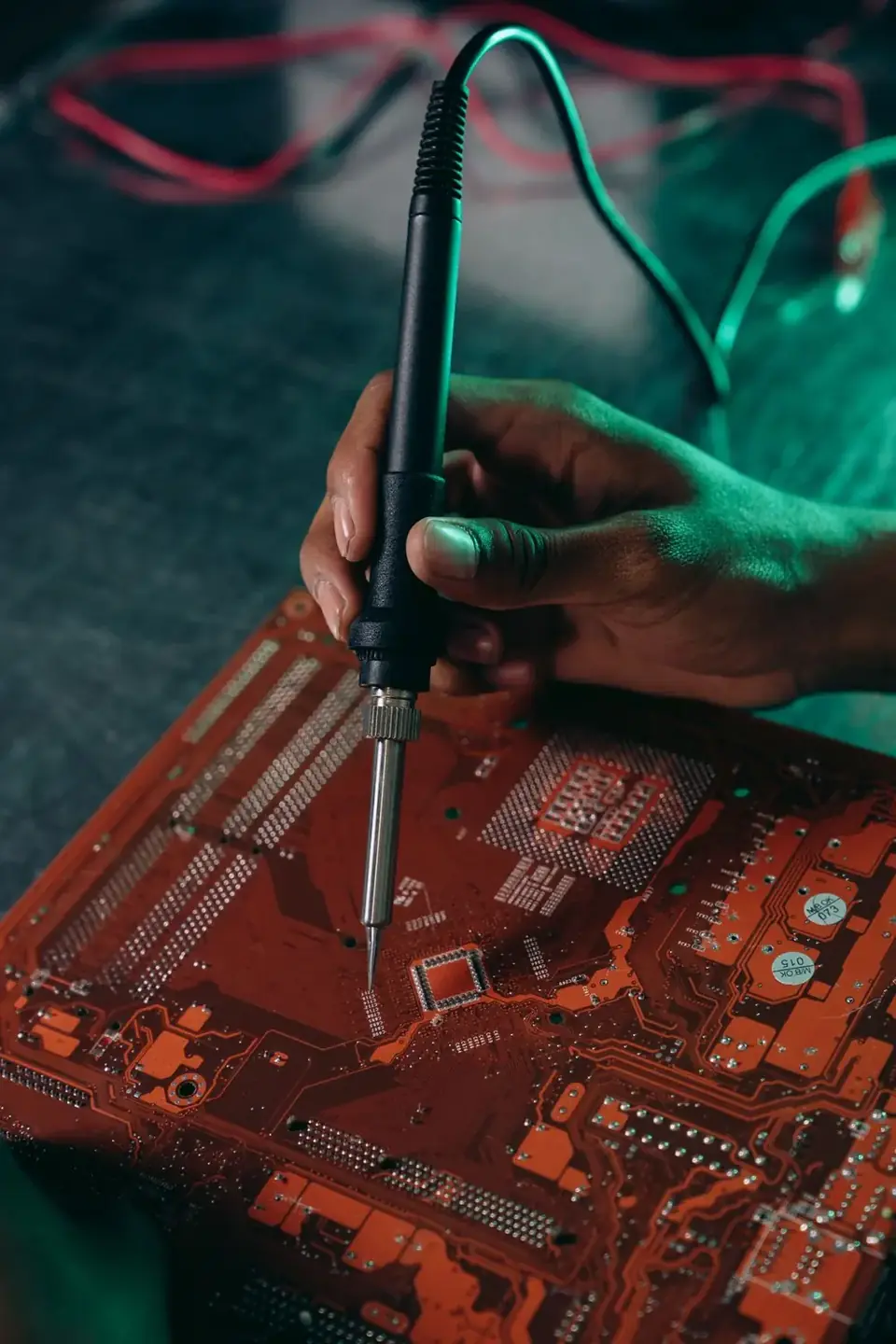
In our workshop we read the BIOS chip with a programmer, identify the corrupted sections and reprogram it with the correct firmware for your device. When needed, we remove the chip from the board and re-solder or replace it.
When should you contact us?
- BIOS update was interrupted
- Computer powers on and fans spin, but there is no picture
- It keeps restarting during start-up
- Device won't start after board work
- Graphics card BIOS is corrupted
What we do
How it works
-
01
Tell us about the problem
Describe your device and the issue through the service request form, by phone, WhatsApp or Viber. A photo or a short video speeds up the first assessment.
-
02
We examine the device
You bring the device to our workshop in Tivat, or send it by courier. We find the cause based on measurements, tests and, when needed, opening the device — not on guesswork.
-
03
We explain your options
We tell you clearly what is faulty, which solutions are possible, the price and the time needed. Whether to go ahead is entirely your decision.
-
04
We repair and test
After your approval we carry out the repair and test the device before handing it back. We explain what we did when you collect it.
Good to know
- For BIOS password removal requests, you need to prove that the device belongs to you.
- A device that won't start is not always a BIOS problem; we first confirm the cause.
- Device-specific data such as the serial number and network address is preserved during programming.
Frequently asked questions
My computer won't start — is the BIOS corrupted?
It could be, but that is not the only cause; the power circuit or RAM can show similar symptoms. We confirm it with measurements and tests.
Do you remove BIOS passwords?
We can help with this, provided you can prove that the device belongs to you.
Can an interrupted update be fixed?
In most cases, yes. We rewrite the chip directly with a programmer.
Which devices do you work on?
Laptop and desktop motherboards and graphics cards.
Related services
Logic Board & Chipset Repair
Component-level repair of logic board and chipset faults on devices that won't power on, won't charge or have liquid damage.
DetailsMicrosoldering
Soldering and repair of connectors, ports, pads and tiny components under the microscope.
DetailsGraphics Card Repair
Diagnostics and component-level repair of desktop and laptop graphics cards.
Details